How to Check NPS Balance?
NPS subscribers can check their account balance through the CRA portal, mobile apps, missed
call or SMS services, and email statements.
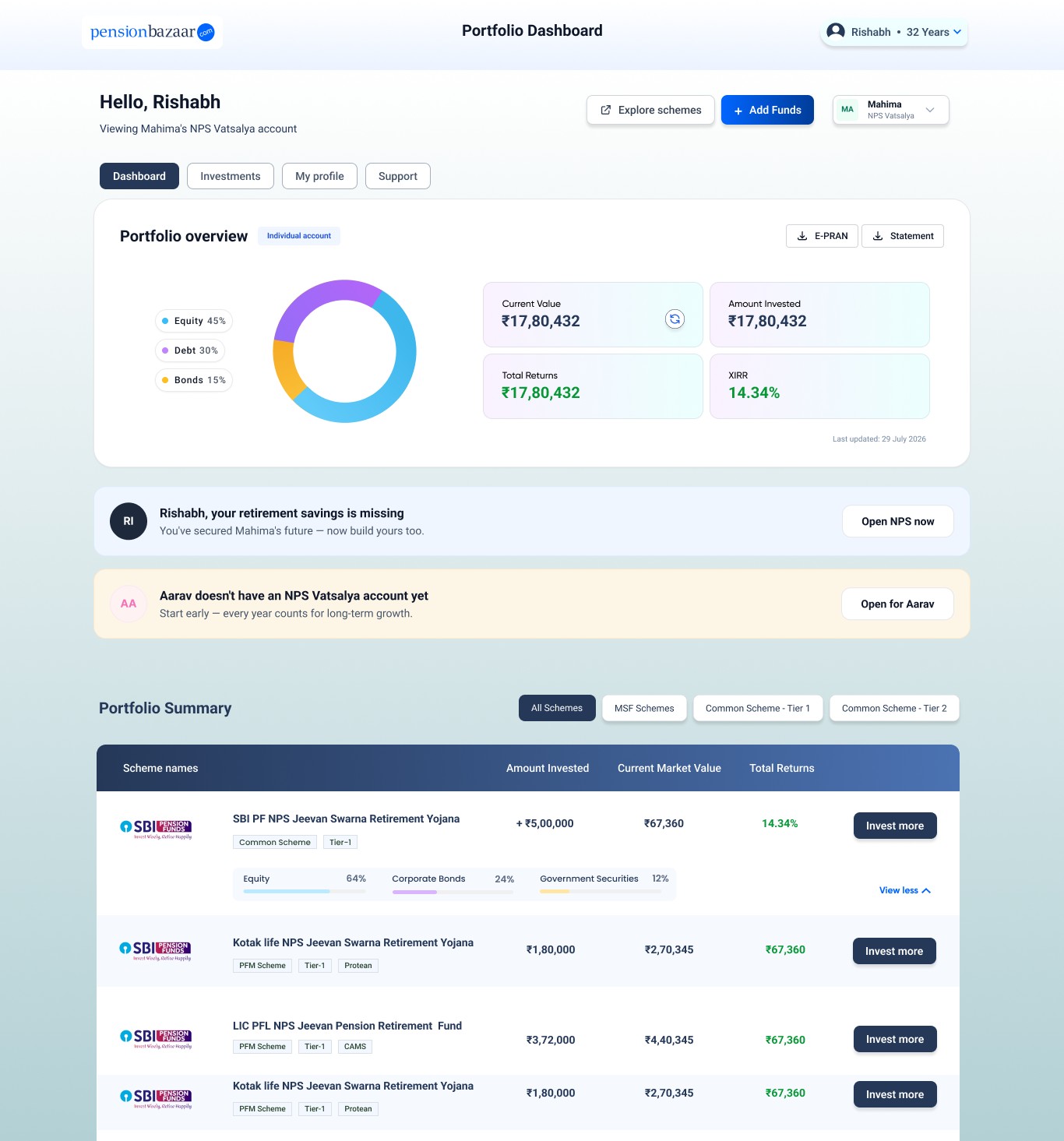
Instant NPS Balance Check via PensionBazaar
If a PRAN has not already been linked to the PensionBazaar app, the balance check
begins with identity verification and an account search, before any corpus figure can be shown.
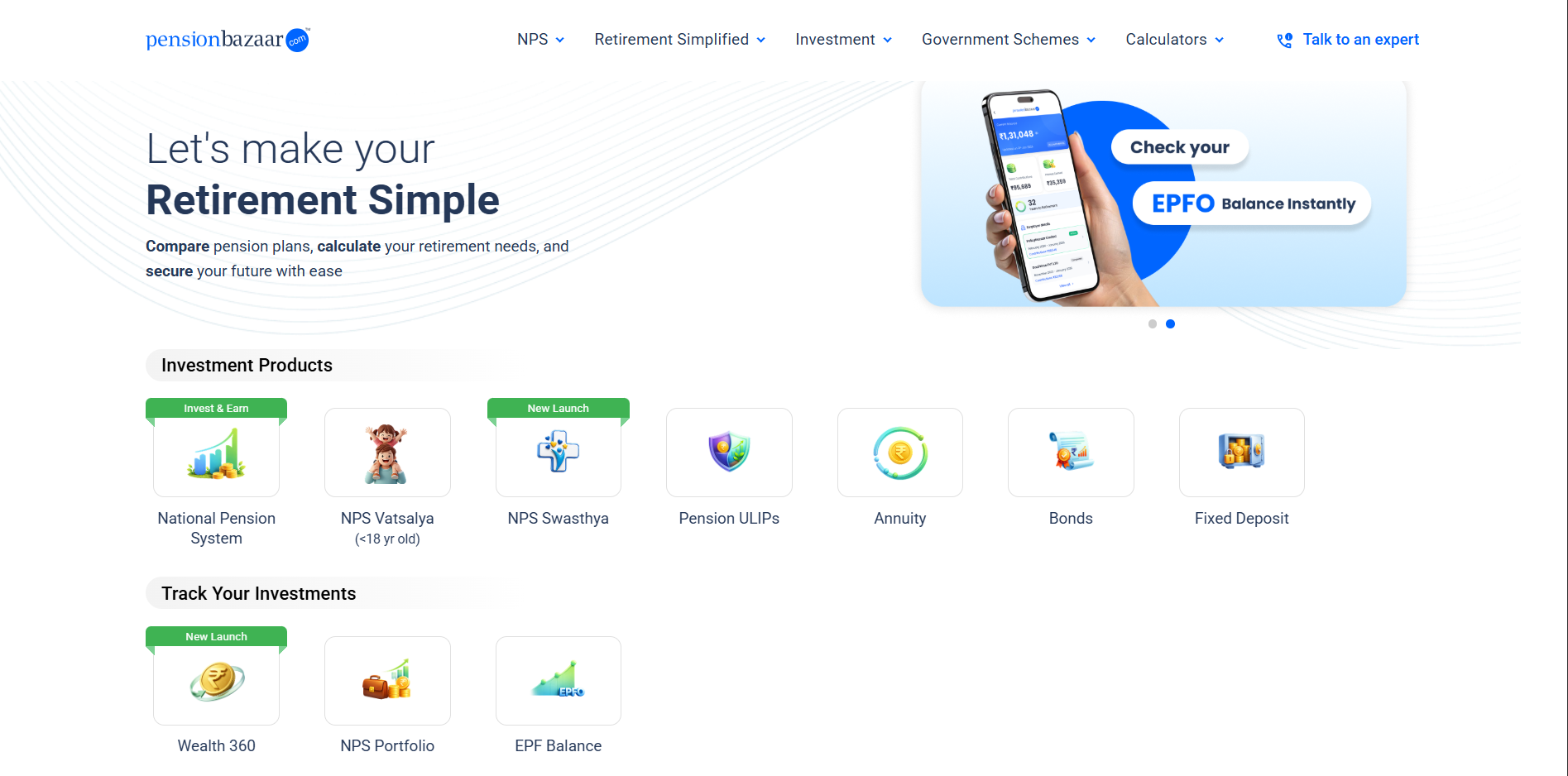
Step 1: Select the "NPS Portfolio" option: From the app
dashboard, tap NPS
Portfolio to begin.
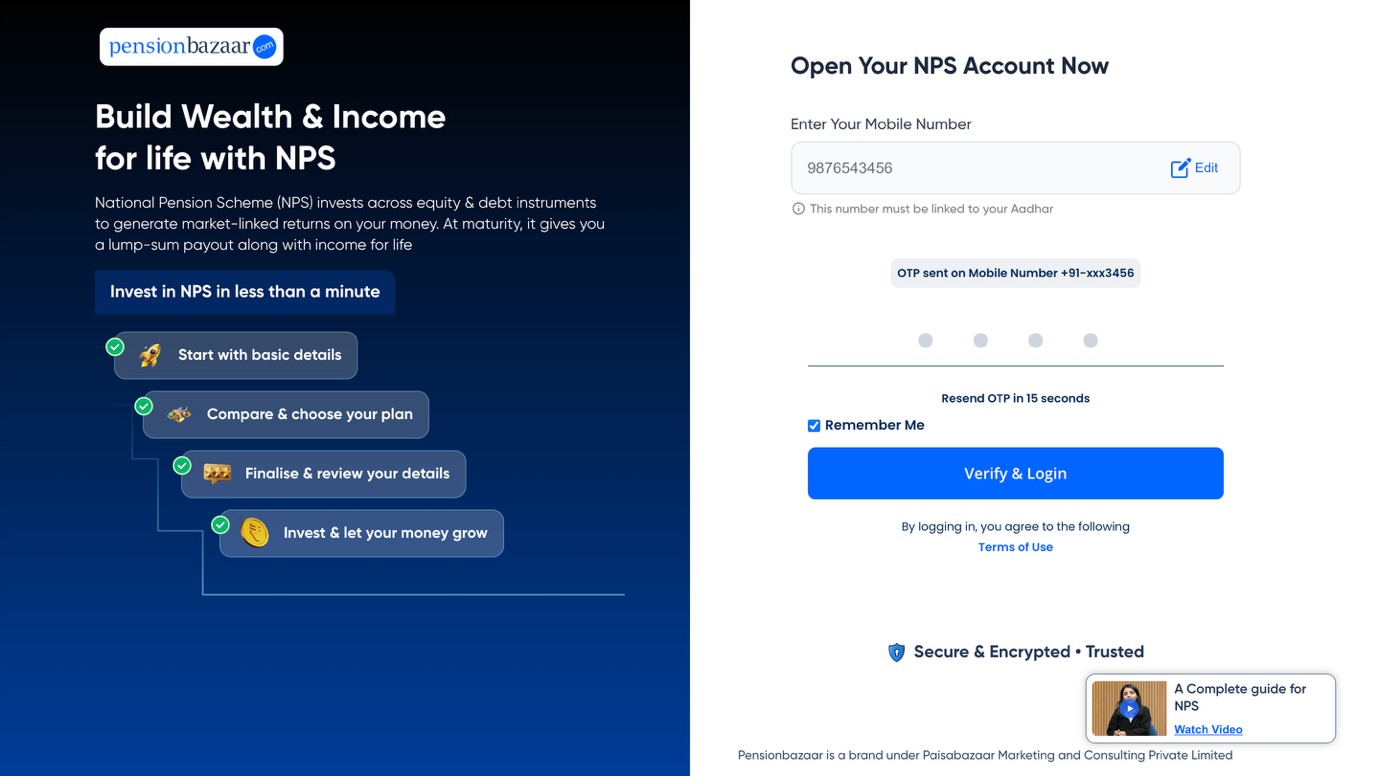
Step 2: Verify identity through OTP: Enter the required details and
confirm the
OTP sent for verification.
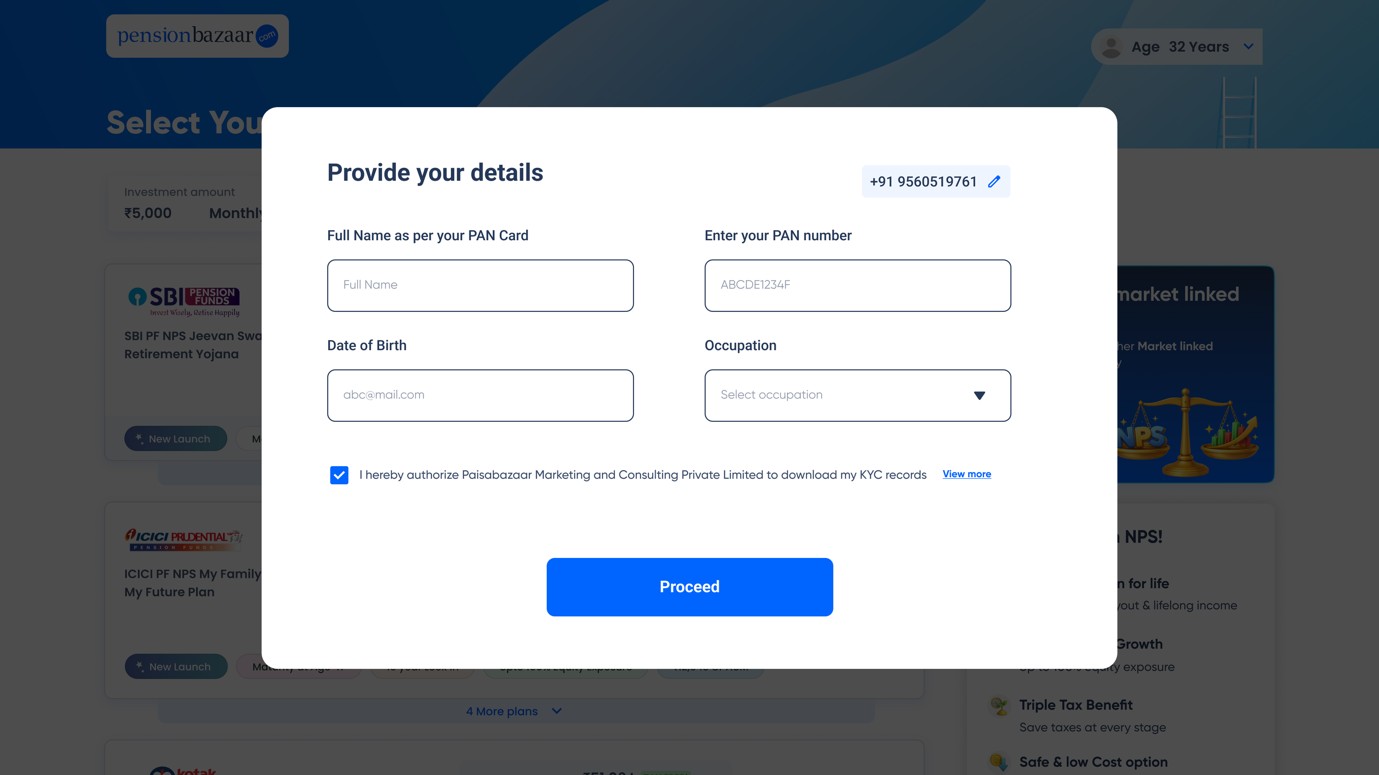
Step 3: Enter PAN and basic details: This step runs two checks in
the
background: an NSDL PAN validation and a CRA PAN de-duplication check, to determine whether an
NPS account already exists against the PAN entered.
Step 4: Shifting turnaround: For KFin and CAMS CRA accounts, the
shift
completes instantly and the portfolio becomes visible right away. For Protean CRA accounts, the
request is queued and takes one working day to process, after which the balance appears.
How to Check NPS Balance Through the CRA Portal?
This is the most detailed way to check a balance, since it shows the full holding
statement
rather than a single figure.
- Visit the website of the CRA that issued the PRAN, Protean eGov, KFintech, or CAMS NPS.
- Log in using the PRAN, password, and the captcha shown.
- Navigate to the "Transaction Statement" section and select "Holding Statement."
- Review the current balance, broken down by Tier I and Tier II if both are active, along with the
full
contribution and unit-holding history.
Check NPS Balance Through a Mobile App
Several apps offer the same underlying data as the CRA portal, in a format built for
a smaller screen.
- The CRA's own app: Protean, KFintech, and CAMS have their own NPS apps.
Subscribers can use the app linked to their CRA to access NPS services, just like the web
portal.
- UMANG: It is a government app that offers many public services. Users can
search for NPS, select their CRA, and log in with their PRAN and password to view their current
NPS holdings.
- NPS Trust portal: Available as a website login at npstrust.org.in, this pulls
the same CRA-sourced data but through a single, CRA-independent entry point. It is useful for a
subscriber who has forgotten which CRA-specific site to use.
Check NPS Balance by Missed Call, SMS or Email
For a quick figure without logging into anything, a missed call or SMS from the
registered mobile number works within seconds.
- Missed call: Dial 1800-210-0080 or 9212993399 from the mobile number registered
on the NPS account. A system-generated SMS with the current balance typically arrives shortly
after.
- SMS: Sending an SMS in the format specified by the relevant CRA to 9212993399
returns a similar reply by text.
- Email: Subscribers can also register or update their email address under
"Profile
Settings"
on the CRA portal or app to receive periodic account statements automatically. You can also download an NPS
transaction statement when you need a current record. This works well as a passive way
to
notice a missed contribution or an
unexpected change in balance without logging in specifically to look for it.
Details You Need Before Checking NPS Balance
Every method described above depends on having a few basic details on hand, and missing one
is a common reason a balance check fails before it even starts.
- PRAN: The 12-digit Permanent
Retirement Account Number is the identifier every method
relies on, whether logging in online or requesting a balance by SMS.
- NPS account credentials: The password or IPIN linked to the PRAN is required for any
portal, app, or UMANG login, though it is not needed for the missed call or SMS methods.
- A stable internet connection: Required for the CRA portal, the mobile apps, UMANG, and
the NPS Trust website. Without one, only the missed call and SMS options remain usable.
- Access to the registered mobile number and email: The missed call, SMS, and email
statement methods all depend on the subscriber actually having access to whichever contact detail is
registered, since the balance is sent there rather than displayed on screen.
Understanding Tier I vs Tier II in Your Balance
Where a subscriber holds both NPS account types, the holding statement shows them separately
rather than as one combined figure. Tier I is the primary, retirement-focused account with withdrawal
restrictions, while Tier II is a voluntary, more
liquid account with no such lock-in. Checking only the total figure without separating the two can give a
misleading picture of how much is actually accessible at short notice.
Why Your CRA Matters When Doing an NPS Balance Check?
Three Central Recordkeeping Agencies currently service NPS: Protean eGov
Technologies, KFintech, and CAMS NPS. Each subscriber's PRAN is registered with exactly one of
these three, and the login portal, mobile app, and even some contact numbers differ depending on which one
applies. A subscriber who cannot log in should first confirm which CRA issued their PRAN. This is checkable
from the original PRAN kit, the welcome email or SMS sent at registration, or the POP or employer that
helped open the account, before assuming the login itself is broken.
What to Do if Your NPS Balance is Not Updating?
A balance that looks stale after a contribution is usually explained by one of a few common
causes rather than an actual account problem.
- Processing delay: Contributions typically take up to two working days to reflect once
they reach the Trustee Bank, longer around month-end when volumes are higher.
- POP delay: In case the contributions were done via Point of Presence instead of the
online process, the POP may still be uploading the transaction details to the CRA.
- Login or session issue: Sometimes the portal may be showing cached information. Logging
off and logging on again or using a second option like the missed call service helps to know whether
there is actually a delay or the portal is just displaying old information.
- Account inactivity: A Tier I account needs a minimum of ₹1,000 worth of contribution
annually to stay active. When an account gets inactive, its balance remains the same until it gets
reactivated.
Plan Your Retirement With the Right NPS Guidance
Checking an NPS balance is straightforward once a subscriber knows which CRA their PRAN
belongs to. Every method afterward, whether the portal, an app, a missed call, or an SMS, draws from the
same underlying record. Keeping the registered mobile number and email current matters more than it might
seem, since several of the faster methods depend entirely on that contact information staying accurate.
The PensionBazaar app lets a subscriber track their NPS portfolio alongside these other
holdings in one place. This removes the need to log into a separate CRA portal every time just to see one
number. It also makes it easier to see how the NPS balance fits into an overall retirement plan, rather than
viewing it as a disconnected figure checked only occasionally.
Discuss with a PensionBazaar retirement planning
expert if your balance looks incorrect or your account appears inactive and you are not sure why. For a
formal complaint, use the NPS
Grievance Registration process.







 01 Oct 2026